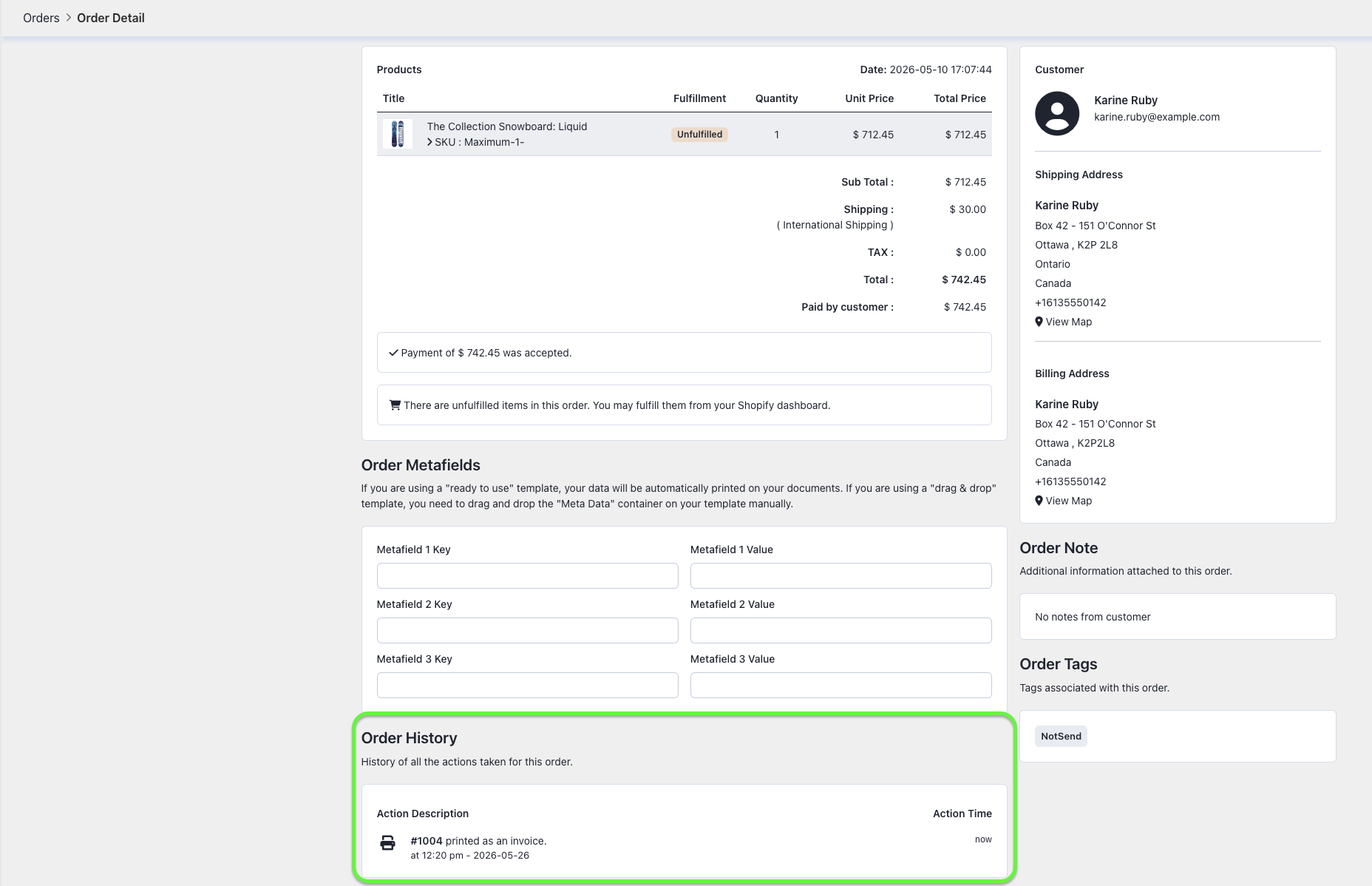
This guide walks you through how to view the most recent actions taken on an order within your Easy Order Manager+ account.
Step 1: Log in to your Shopify account.
Step 2: Navigate to the Apps section of your Shopify store and select Easy Order Manager+. You will be automatically redirected to the app dashboard.

Step 3: Click on the Orders section, then select the order number you’d like to review.

Step 4: On the Order Details page, scroll down to the Order History section to view a complete log of the latest processing actions related to that order.
Need Additional Help?
- Visit the Help Center section within your Easy Order Manager+ dashboard to create a ticket
- Or click here to email us directly.
We’re always happy to help!