This guide walks you through the steps to automatically include invoices as attachments in emails sent using Easy Order Manager+.
Step 1: Log in to your Shopify account.
Step 2: Navigate to the Apps section of your Shopify store and select Easy Order Manager+. You will be automatically redirected to the app dashboard.

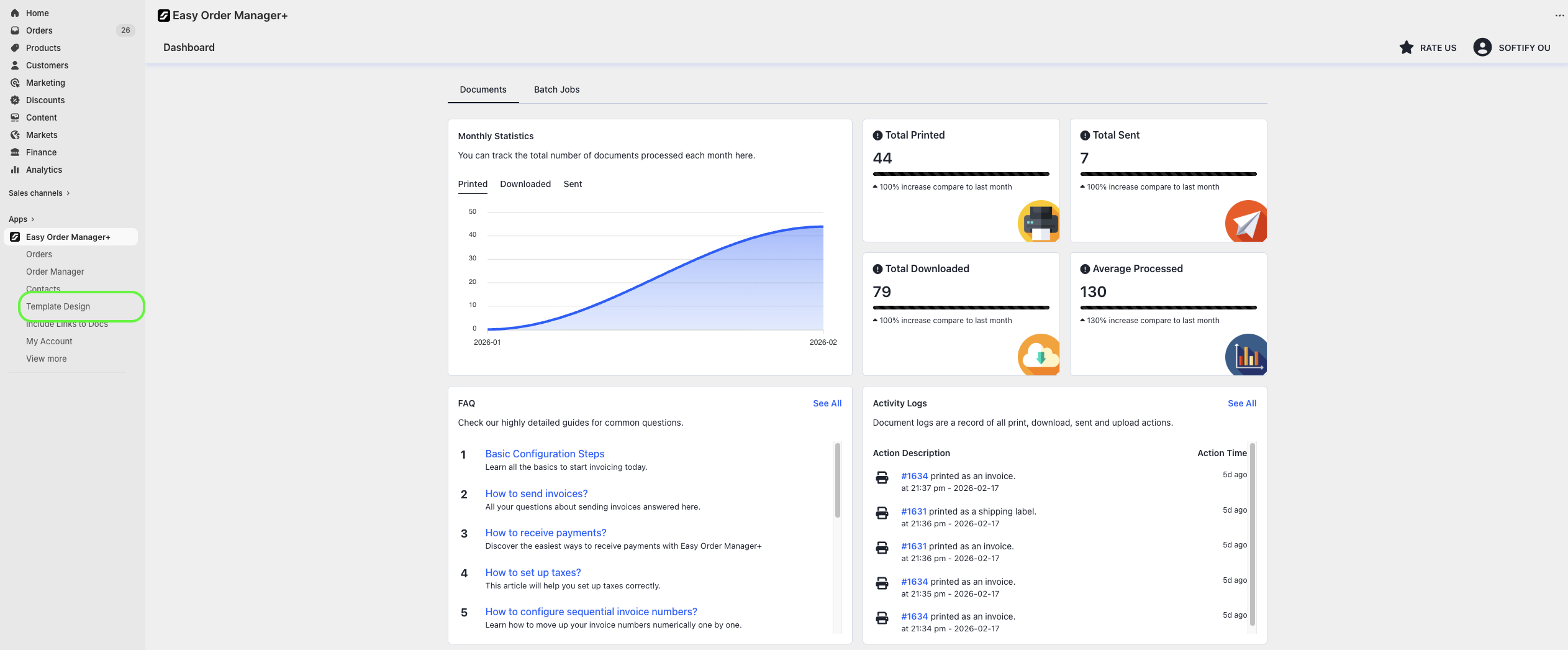
Step 3: From the dashboard, click on Template Design.
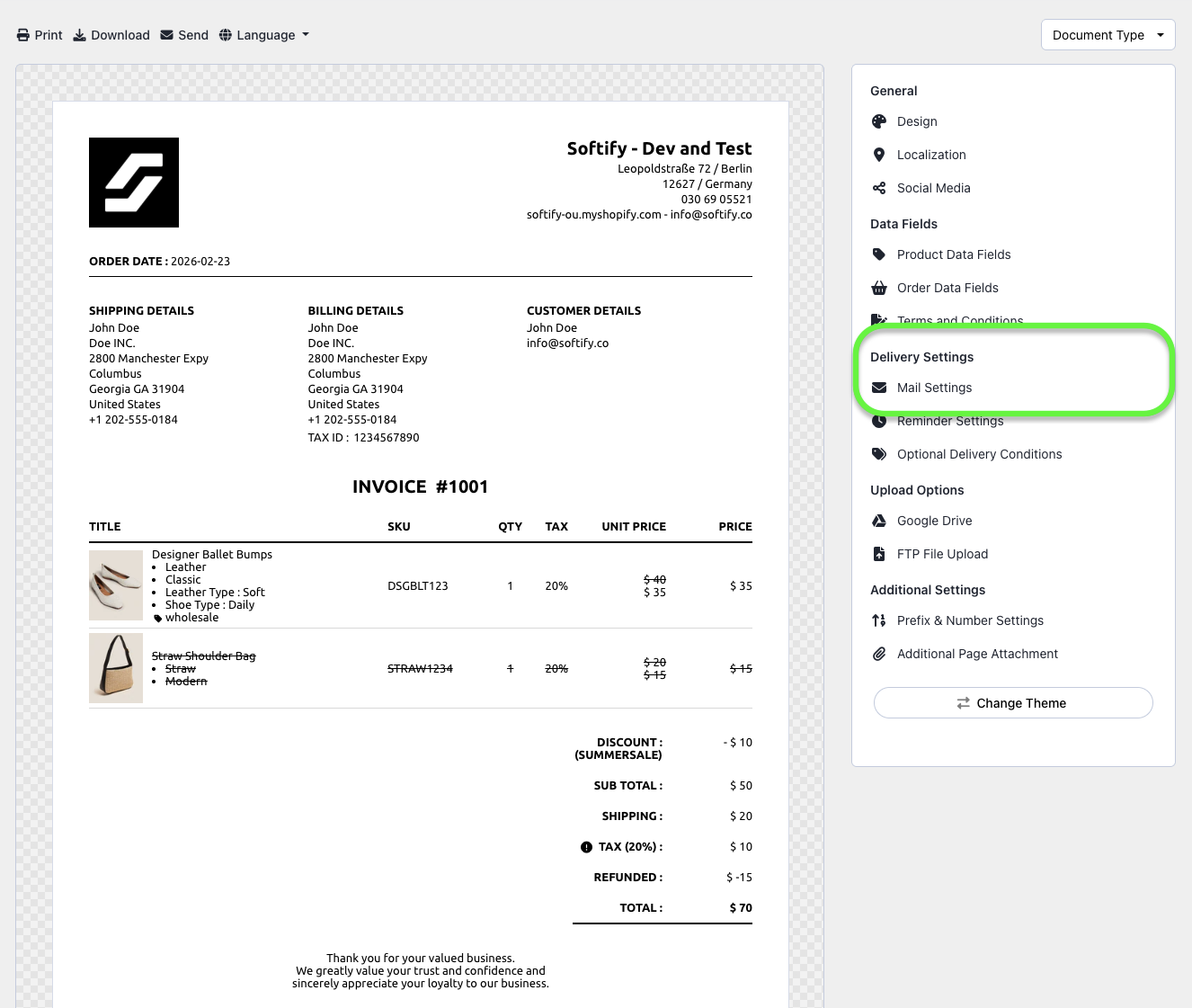
Step 4: Navigate to the Mail Settings section.
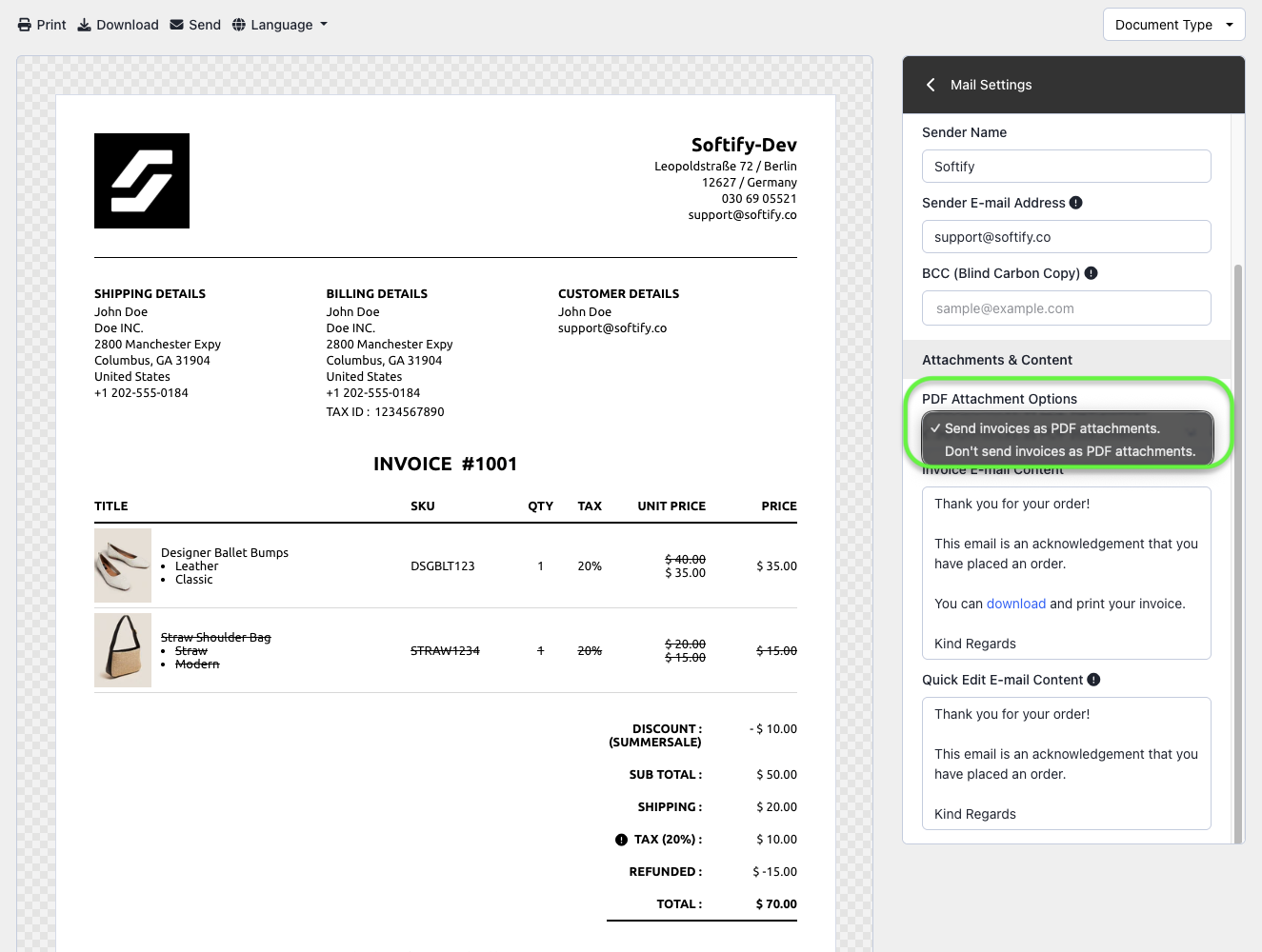
Step 5: Under the Attachments & Content section, expand Attachment Options and select Send invoices as attachments.
Want to customize the file name of the attached invoice? Check out our guide: How to Customize the Invoice File Name?
Step 6: Once you’ve made your selection, click the Save button at the top center of the screen to apply your changes.

Need Additional Help?
If you’re still experiencing issues, feel free to reach out to our support team:
- Visit the Help Center section within your Easy Order Manager+ dashboard to create a ticket
- Or email us directly
We’re always happy to help!