This guide provides all the essential information on updating customer details on your invoices and explains how these changes affect invoices generated through Easy Order Manager+.
Easy Order Manager+ is designed to seamlessly convert the latest Shopify order data into professional invoices. Any permanent changes made directly in your Shopify Admin—such as customer information, product details, or pricing—are automatically reflected in your invoices via the Shopify API.
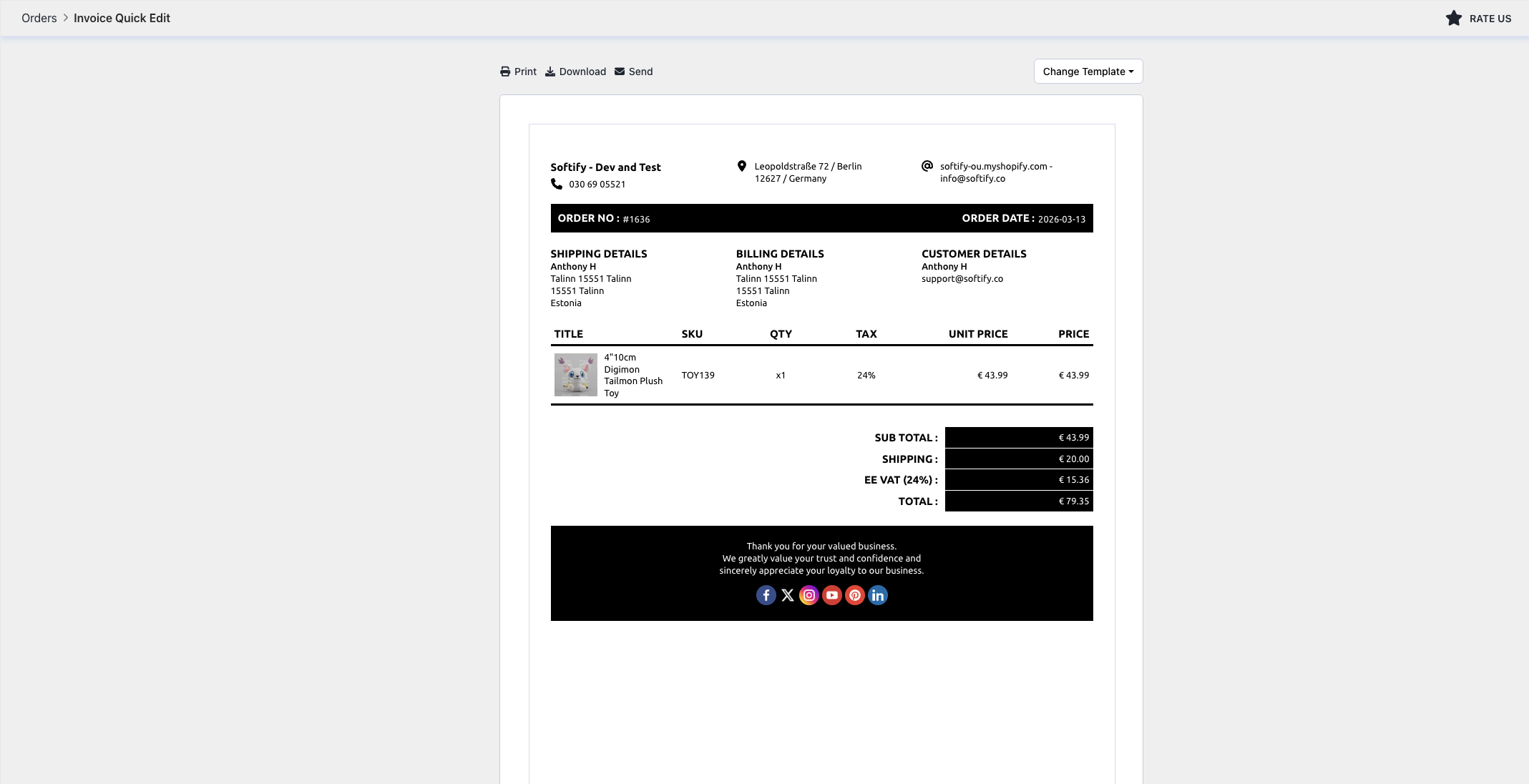
We understand there may be times when you want to temporarily modify an invoice without affecting the original order data in Shopify. For these scenarios, Easy Order Manager+ offers the Quick Edit feature, which allows you to make on-the-fly adjustments directly within the app.
Step 1: Log in to your Shopify account.
Step 2: Navigate to the Apps section of your Shopify store and select Easy Order Manager+. You will be automatically redirected to the app dashboard.

Step 3: Navigate to the Orders section in Easy Order Manager+.
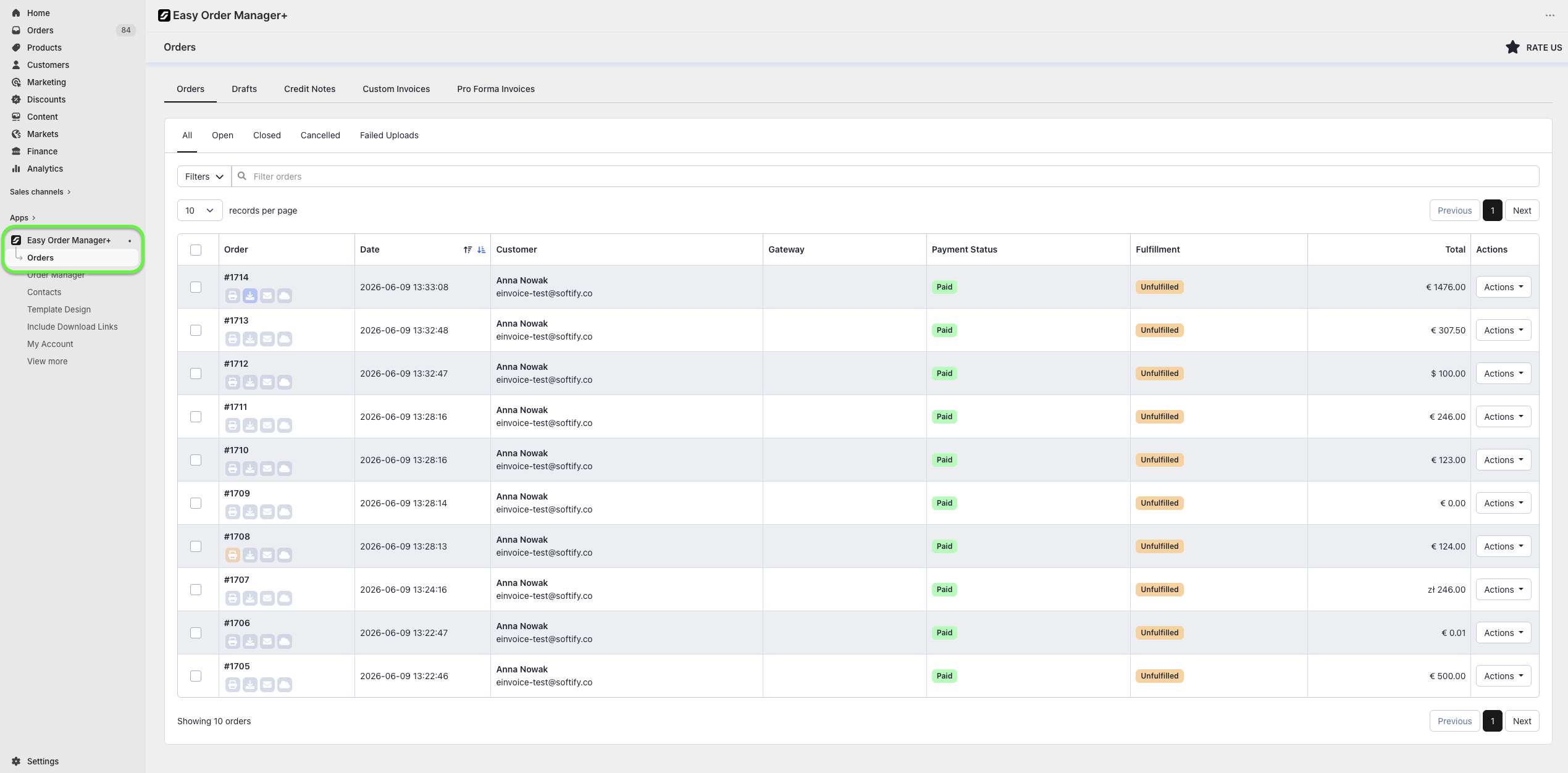
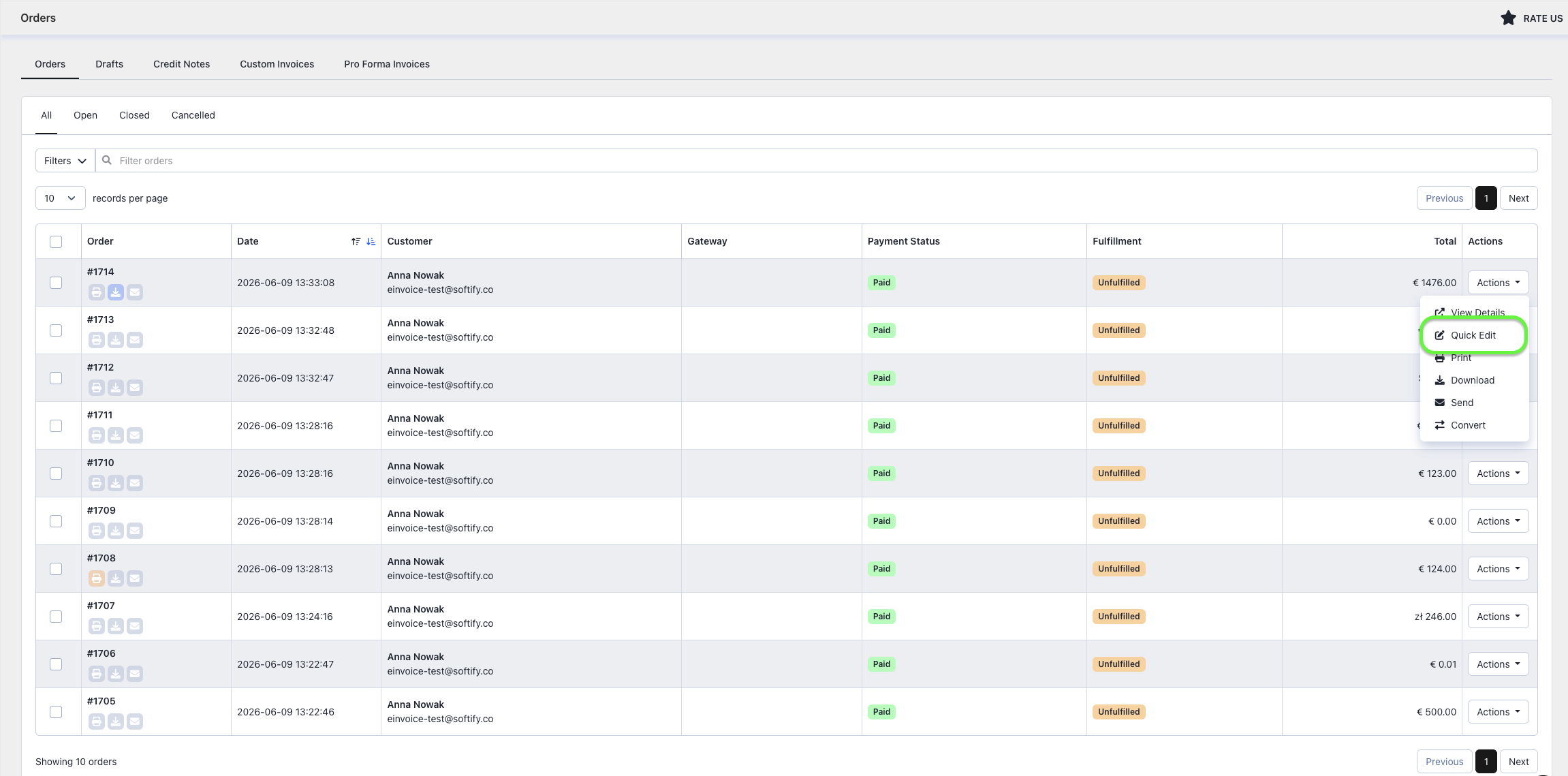
Step 4: Click the Actions button next to the order you’d like to modify and select Quick Edit.
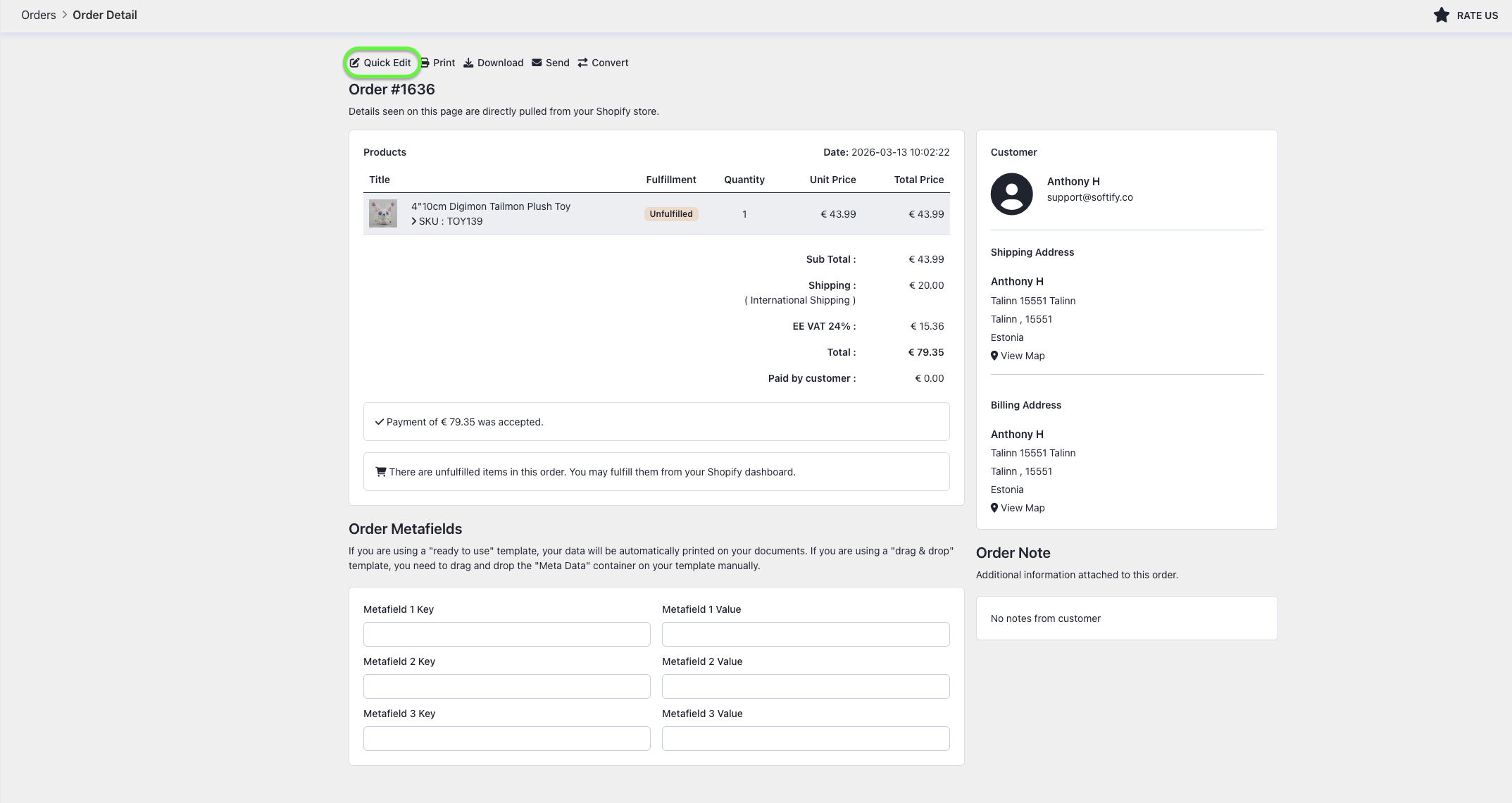
You can also access Quick Edit from the order details page. Simply click on the order, then select Quick Edit in the top right.
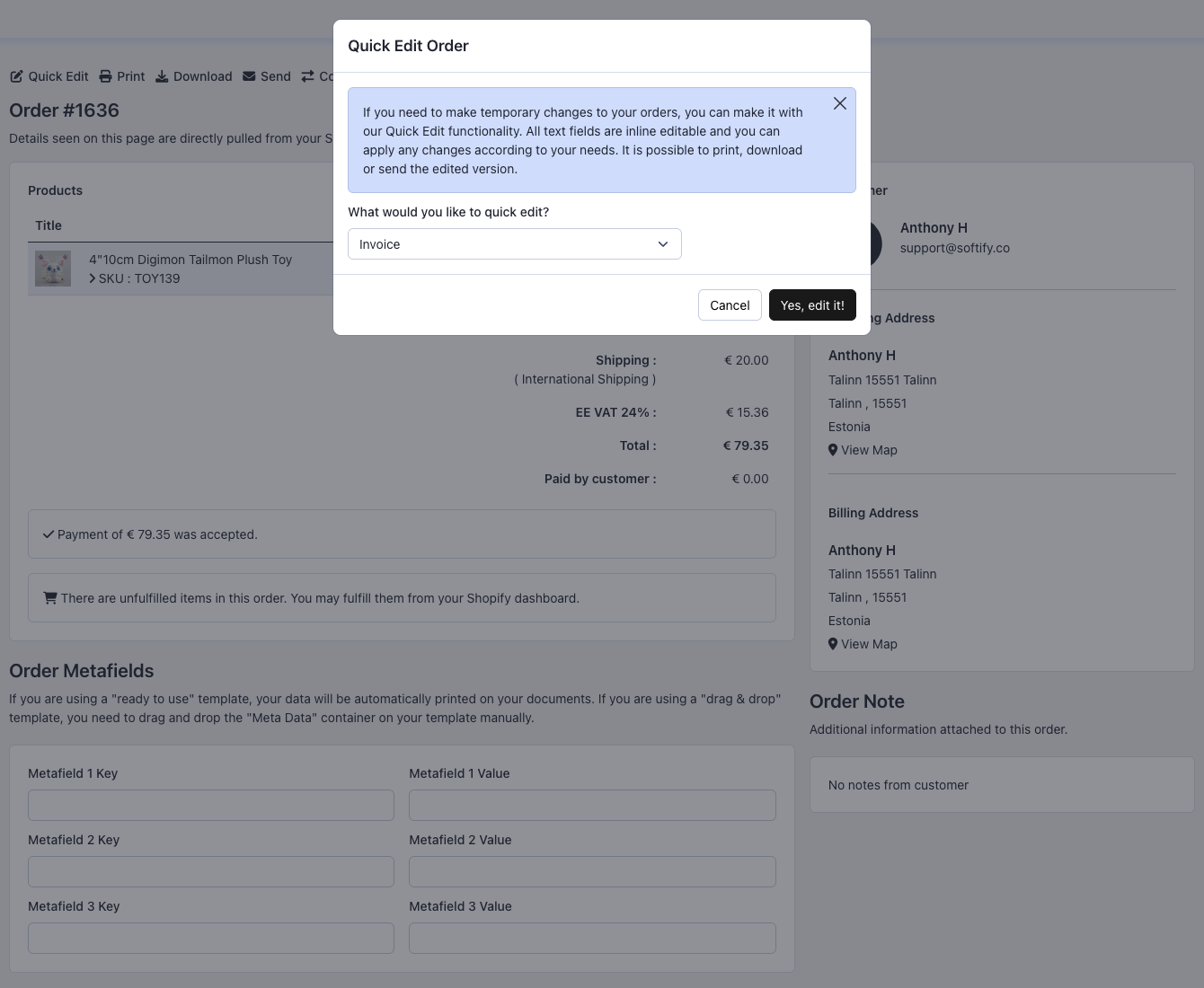
Step 5: In the popup window, choose the document type you’d like to edit and confirm by clicking “Yes, edit it!”.
Step 6: Click on any text field you want to update and make your changes directly—everything is editable inline. Once you’ve finished editing, use the Process button at the top left of the Quick Edit screen to save and generate the updated invoice.
Need Additional Help?
If you’re still experiencing issues, feel free to reach out to our support team:
- Visit the Help Center section within your Easy Order Manager+ dashboard to create a ticket
- Or email us directly
We’re always happy to help!