This guide outlines how to access and interpret your usage statistics within the Easy Order Manager+ dashboard.
Step 1: Log in to your Shopify account.
Step 2: Navigate to the Apps section of your Shopify store and select Easy Order Manager+. You will be automatically redirected to the app dashboard.

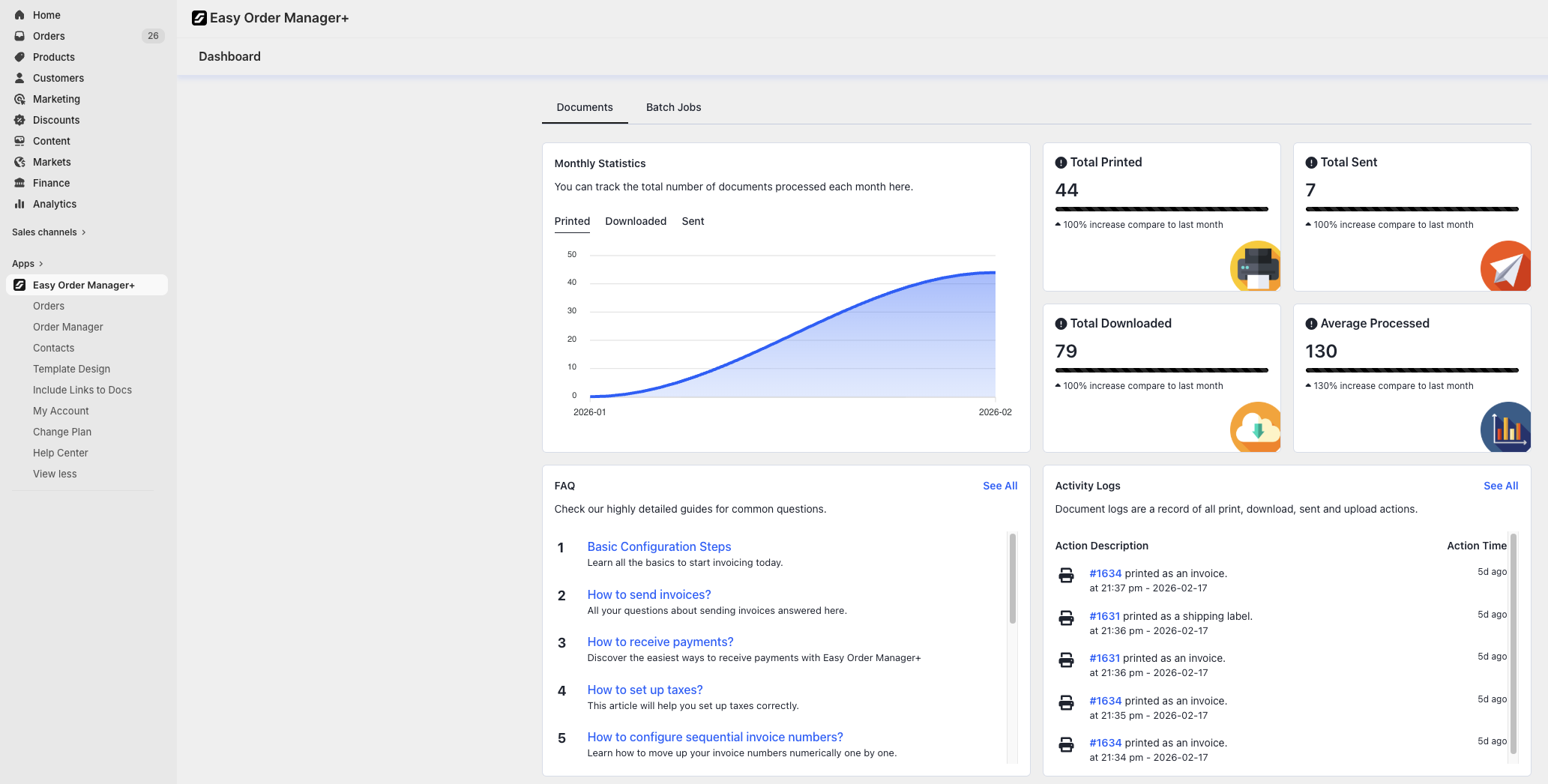
Step 3: On the Easy Order Manager+ dashboard, locate the Monthly Statistics section on the upper-left side.
You will see three tabs displaying the number of:
- Printed invoices
- Downloaded invoices
- Sent invoices
On the right side of the Monthly Statistics panel, you’ll find the All-Time Summary, which displays the total number of printed, downloaded, and sent documents since the app was installed.
Additionally, the Average Processed section shows the monthly average number of processed documents based on your account’s usage history.
Need Additional Help?
If you’re still experiencing issues, feel free to reach out to our support team:
- Visit the Help Center section within your Easy Order Manager+ dashboard to create a ticket
- Or email us directly
We’re always happy to help!