This guide provides all the essential information on adding extra email addresses to your customers’ profiles in Easy Order Manager+.
The Advanced Customer Management feature is required to add additional email addresses to customer profiles.
Step 1: Log in to your Shopify account.
Step 2: Navigate to the Apps section of your Shopify store and select Easy Order Manager+. You will be automatically redirected to the app dashboard.

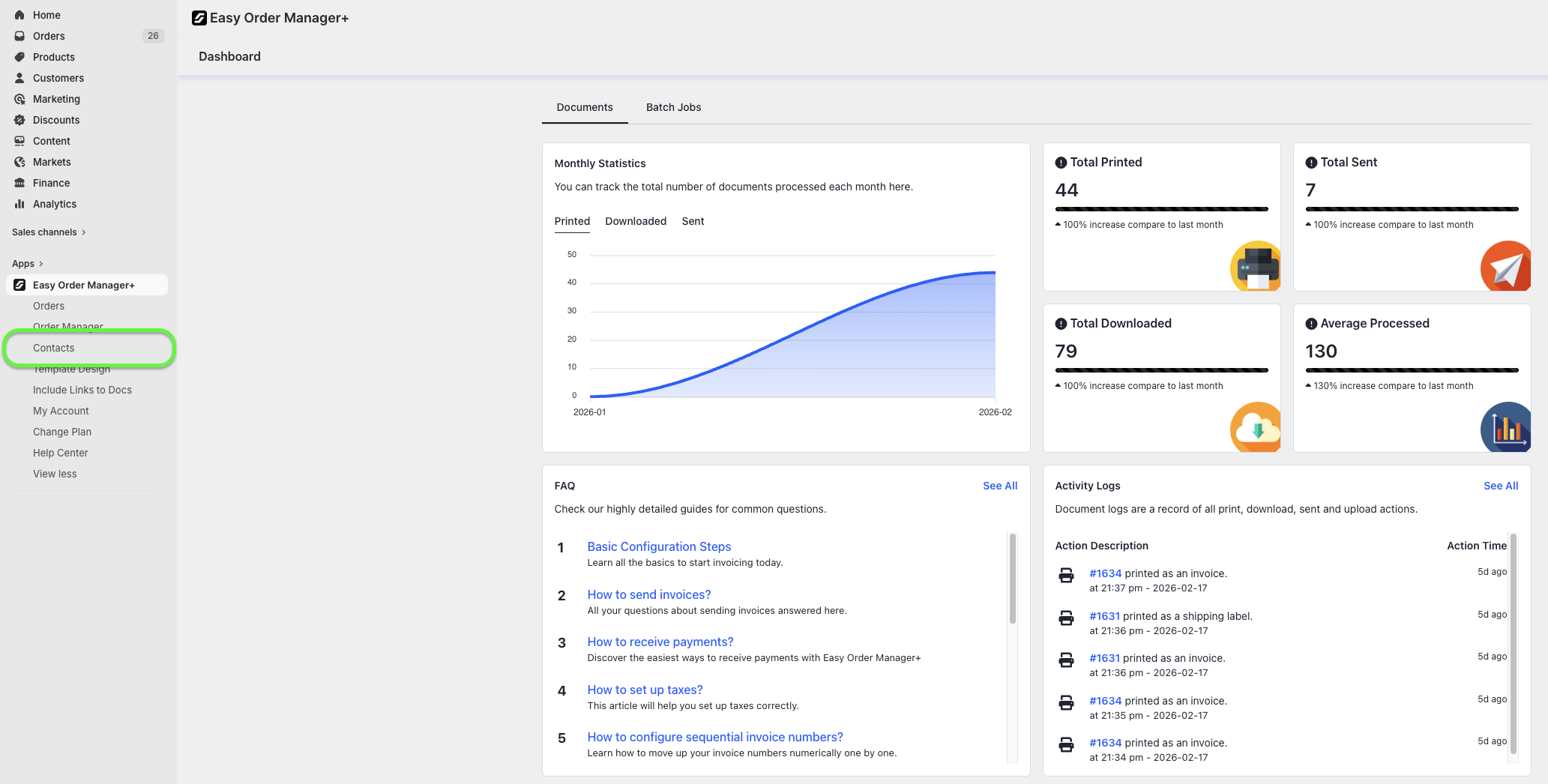
Step 3: Click on Contacts.
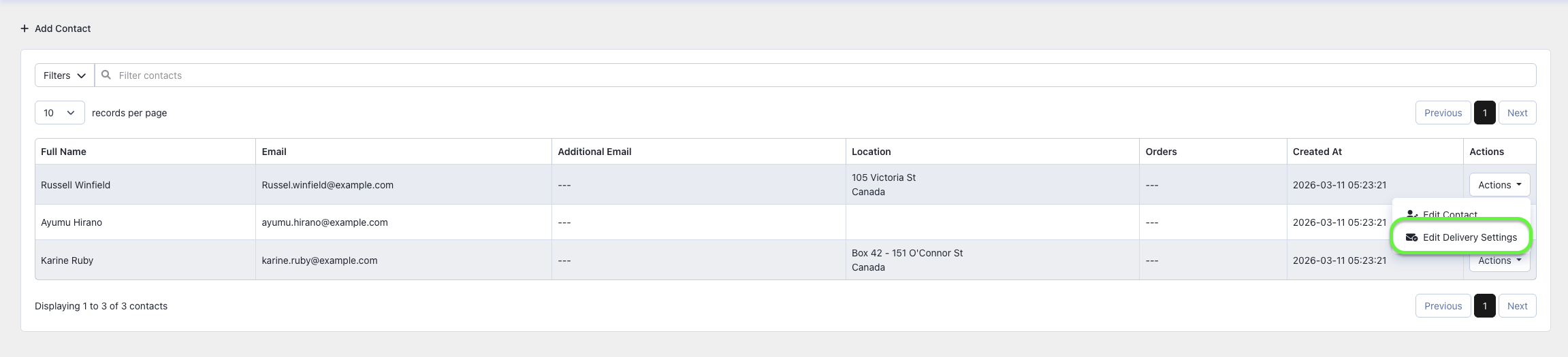
Step 4: Locate the customer you wish to update. Click the Actions button next to their name, then select Edit Delivery Settings.
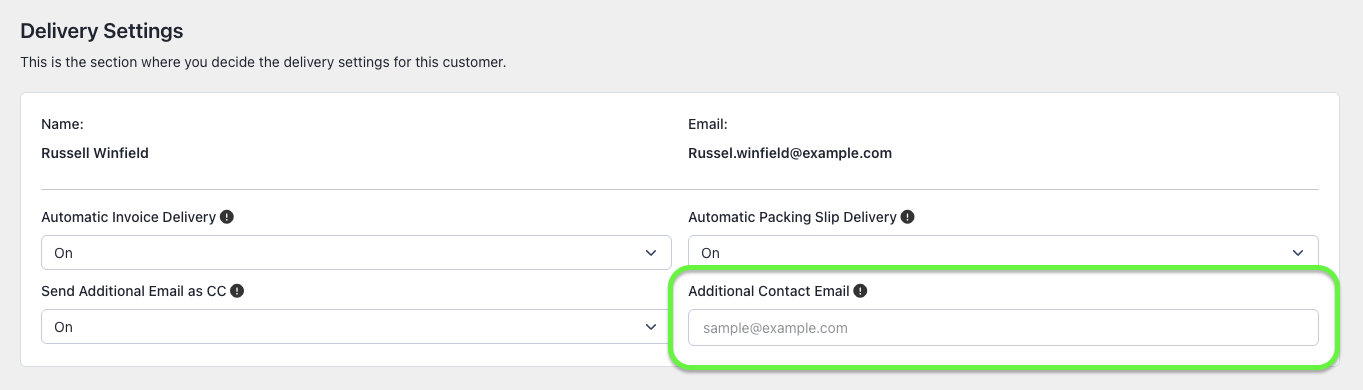
Step 5: In the Additional Contact Email field, enter the new email address. You can add multiple addresses if needed.
Step 6: Once you’ve made your selection, click the Save button at the top center of the screen to apply your changes.

Need Additional Help?
If you’re still experiencing issues, feel free to reach out to our support team:
- Visit the Help Center section within your Easy Order Manager+ dashboard to create a ticket.
- Or click here to email us directly.
We’re always happy to help!