You can watch our video tutorial, which will guide you through the process step by step:
You can change the filename of your invoices from the “Templates” menu by following the simple steps below:
Step 1: Open Simple Invoice from your Shopify store’s “Apps” section.

Step 2: Click on “Templates” in the Simple Invoice dashboard.
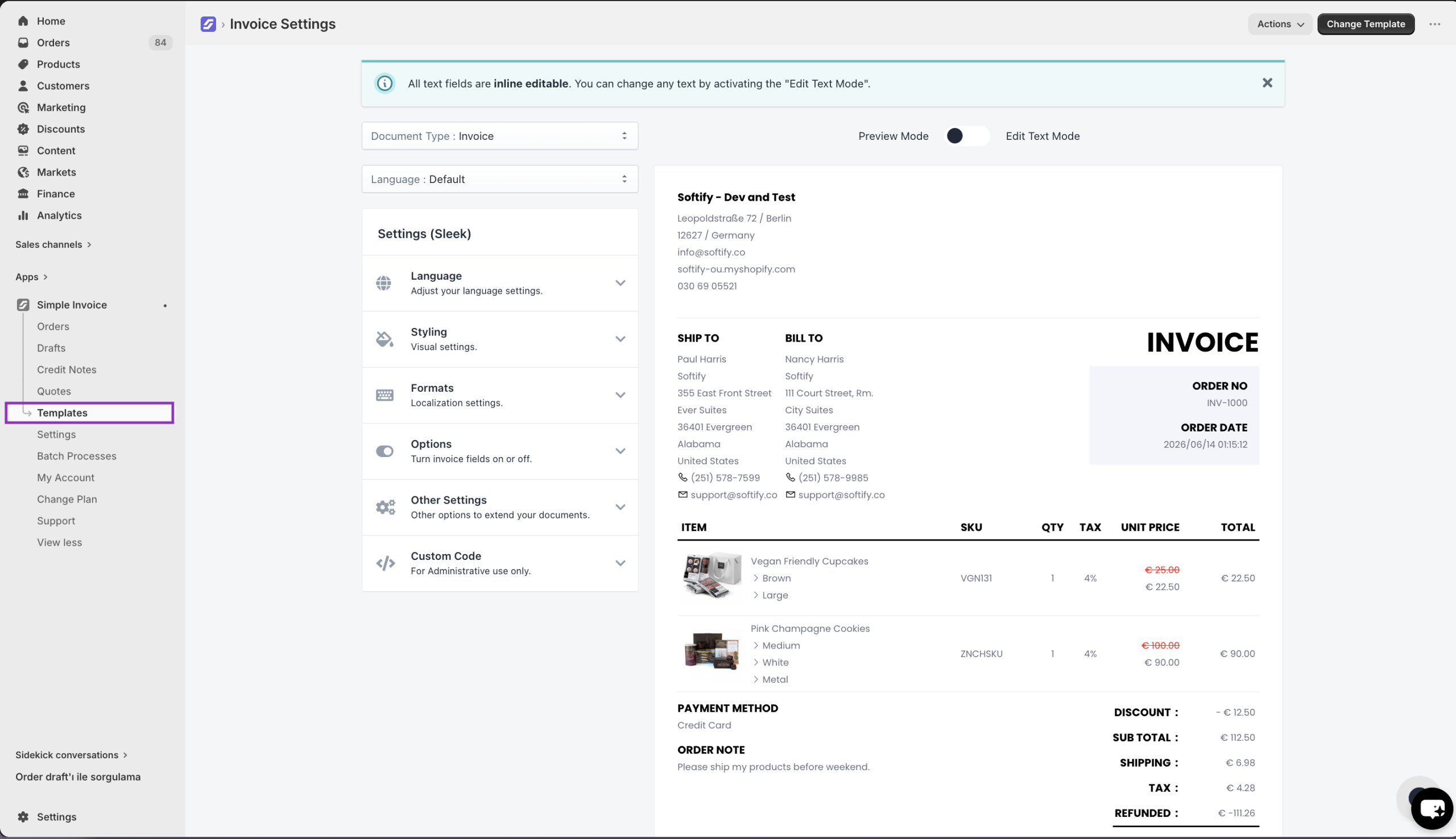
Step 3: Click on the ‘Other Settings’ section, and change the filename from the ‘Document Filename’ field. Then, please click on the “Save” button to confirm your changes.
By default, your document filename is invoice-{{ order.name }} which is shown as invoice -#1001 when it is sent to your customers.
If you want to use your custom invoice number as a filename, you need to change the {{ order.name }} variable to {{ order.custom_invoice_name }}.
