You can watch the video tutorial, which provides a step-by-step guide through the process.
You can also add an email address to the BCC field of your invoice emails by following the simple steps below:
Step 1: Open Simple Invoice from your Shopify store’s “Apps” section.

Step 2: Click on “Settings” in the Simple Invoice dashboard.
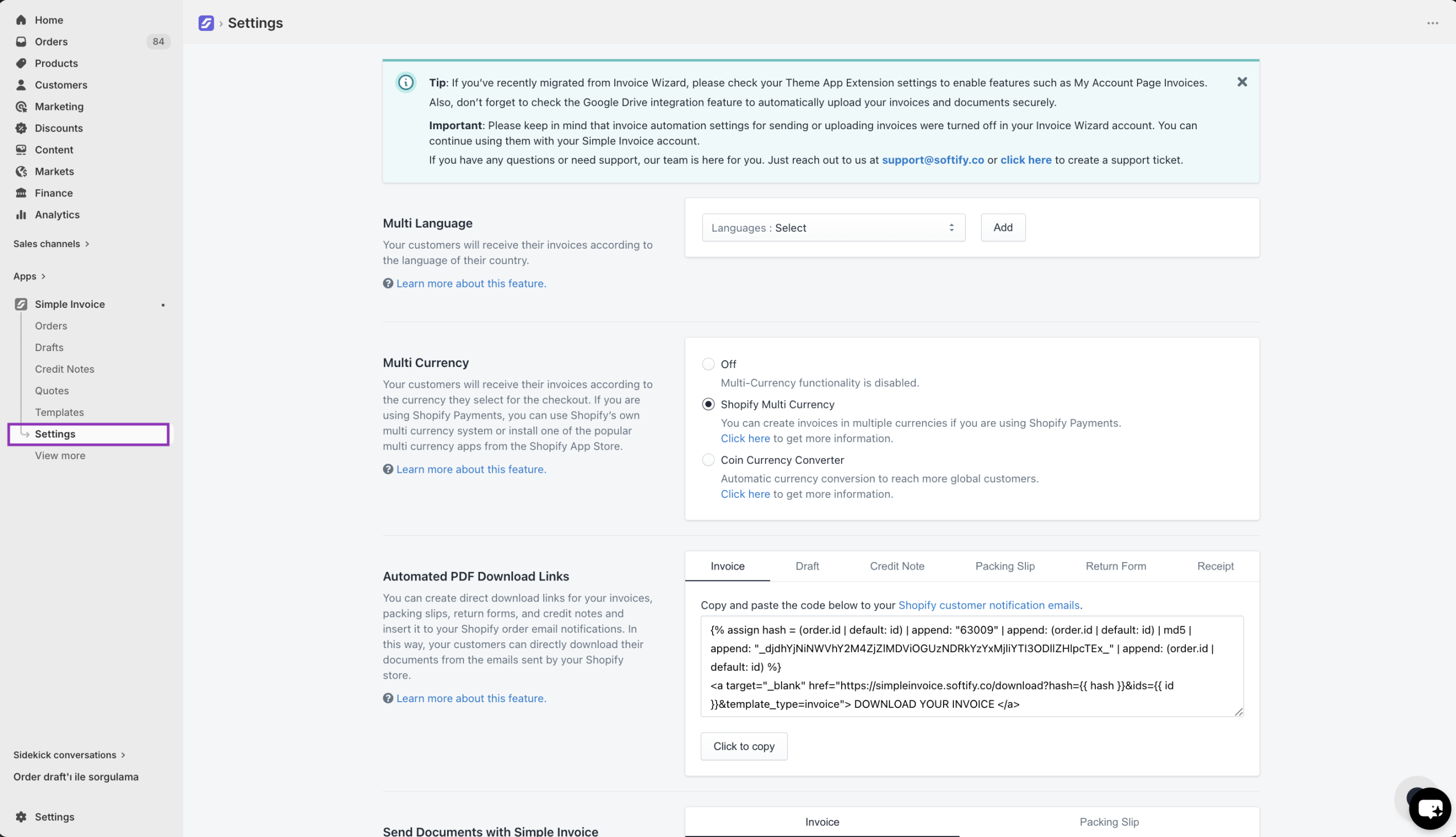
Step 3: Scroll down to the ‘Sending Options’ section, click on the BCC field, type the email address, and hit the “Enter” key to save the email address. Then, click the “Save” button to confirm your changes.
