You can watch the video tutorial, which provides a step-by-step guide through the process.
You can add your company tax number to your invoices by following the simple steps below:
If you entered your company tax number during the Simple Invoice setup, it will appear as the last line in the company information field.

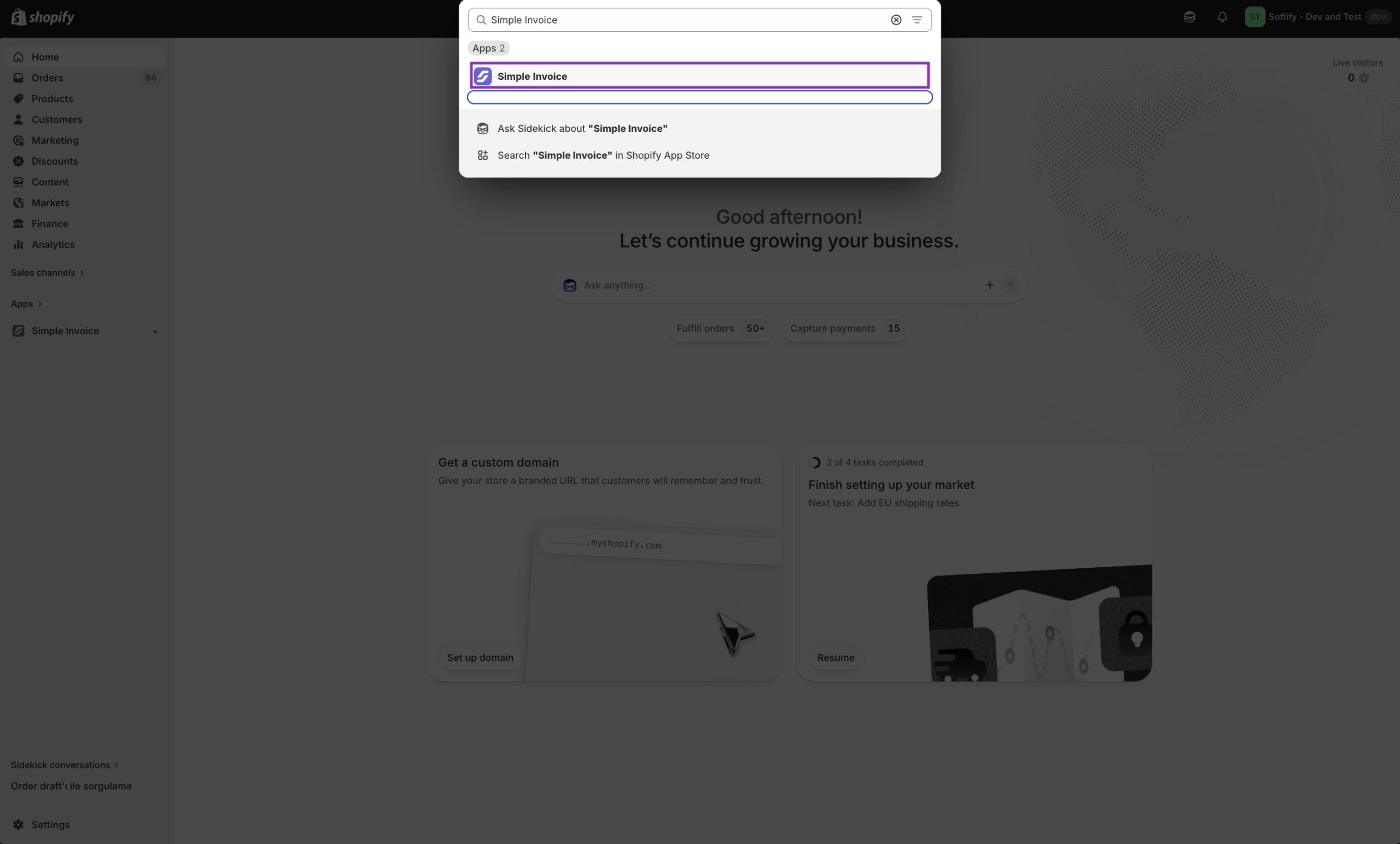
Step 1: Open Simple Invoice from your Shopify store’s “Apps” section.
Step 2: Click on “Templates” in the Simple Invoice dashboard.

Step 3: Activate the ‘Edit Text Mode’ option and add your company tax number to the ‘Company Information’ section. All text fields are inline editable. Then, click the “Save” button to confirm your changes.
